Handlekurv
Handlekurven er tom, men det trenger den ikke å være
|
|
Sometimes the operatingsystem does not recognize that a battery is present due to misinformation from the BIOS. This can happen even if your battery is working properly. If this is the case you can perform a “hard reset“. A full reset „hard reset“ deletes all information that are stored in temporary memory of the BIOS. After this procedure the operating system is forced to do a full scan, including the batteries. Which also updates your battery information. PDF Download: Download
Instructions to perform a „hard reset“:
If it still doesn`t work repeat the steps 1-3 (3 Push the power button and hold it down for about 15-30 seconds to discharge residual electric voltage of the capacitors.). Then leave the device for several hours without electricity, possibly overnight and restart your system.
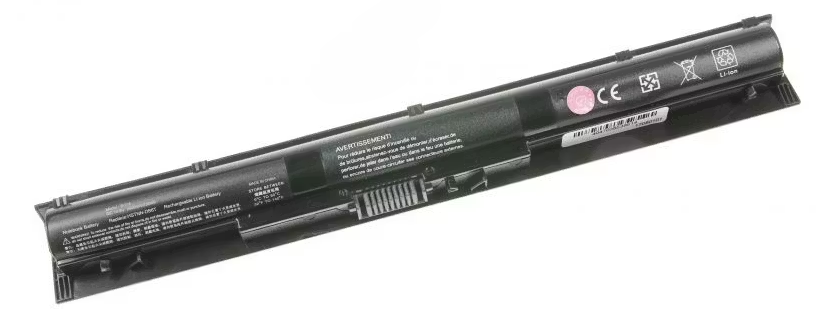
Battery – Notice/Advice
A charge level between 30 and 70% is ideal for lithium ion batteries and can increase their life.Permanent high charge conditions are not recommended for lithium ion batteries and may damage the battery. Store your batteries at cool temperatures (0-15C°) and a base charge about 40-60 %. Temperatures over 35C°,especially at high charge conditions may damage the battery.
Husk at du alltid kan ta kontakt med oss på [email protected]. Vi kan bistå med å finne riktig produkt til ditt formål.
399 kr


